
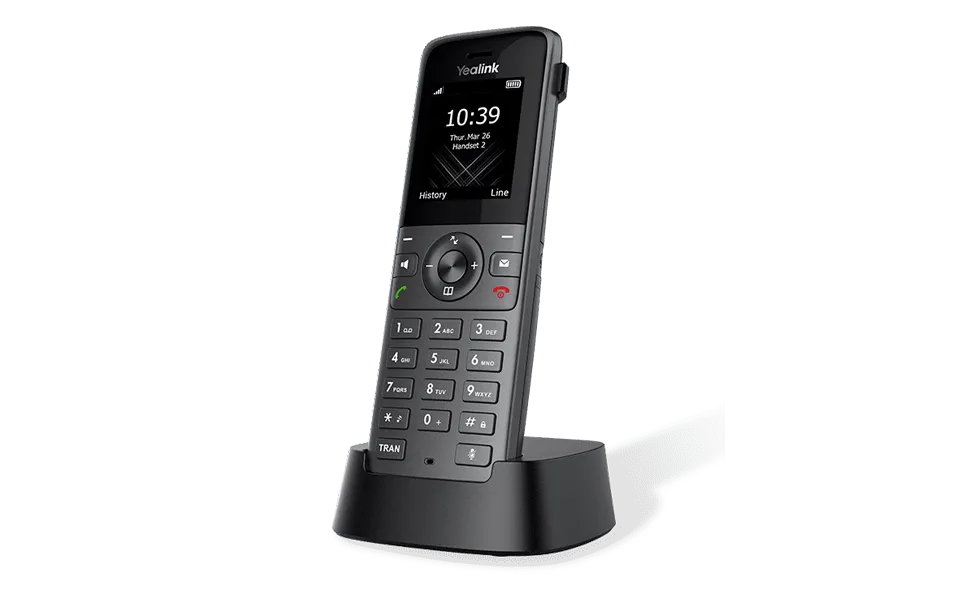
Yealink Handset Registration
You need to register a W53H/W56H/W57R/W59R/W71H/W74H/W73H/W78H/CP930W/CP935W/DD Phone to W70B, if you want to use the basic functions of the DECT phone.
You can register a handset to 4 different base stations at most. You can select the desired base to use. Please note – Up to 10 handsets can be registered to one base station.
Set via the Device
Put the W70B into the Registration Mode
Before registering the handset, you must put the W70B into registration mode.
Procedure.
Long press 🛜 on the base station till the registration LED flashes.
The base station is now in registration mode.
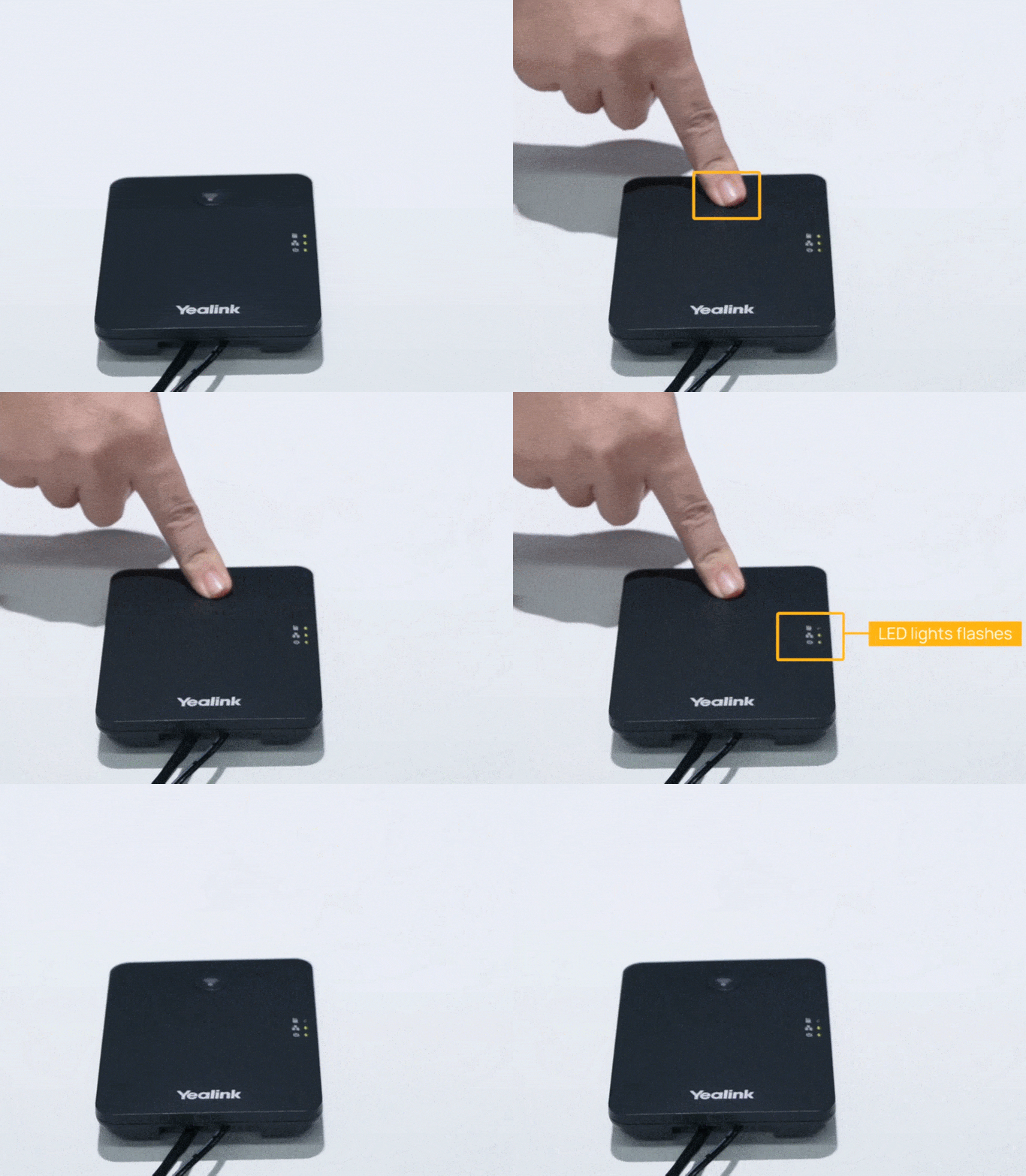
NOTE: The registration mode will switch off automatically if the base station does not identify a DECT phone within 90 seconds.
Register a New Handset to a Base Station
With one touch, you can quickly register your new W53H/W56H/W57R/W59R/W73H/W78H/CP930W/CP935W/DD Phone to a W70B.
Before You Begin
Ensure the base station is in registration mode, and the phone prompts “Unregistered!”.
Procedure
Do one of the following:
Press the Reg soft key to register the handset.
The handset is searching for a base station in registration mode.
You can also press OK > Register Handset and then select the desired base to register the handset. You need to enter the base PIN (default: 0000) after a base is found.
For CP935W, press More > Basic > Registration.
Result
After the handset is registered successfully, the phone prompts “Handset Subscribed” and “Base NO. (The last 4 characters of the connected Base’s MAC address)”.
After the handset is initialised successfully, an icon with the internal handset number and handset name appears on the phone screen.
Possible Reasons for Registration Failure
Some scenarios may cause registration failure.
Incorrect base PIN (check with your system administrator).
The base station is out of range.
The base station is not in registration mode.
TIP
If registration is not successful, the handset screen will prompt you that the registration is failed.
